CX File Explorer Features Explained: Complete Guide for Beginners
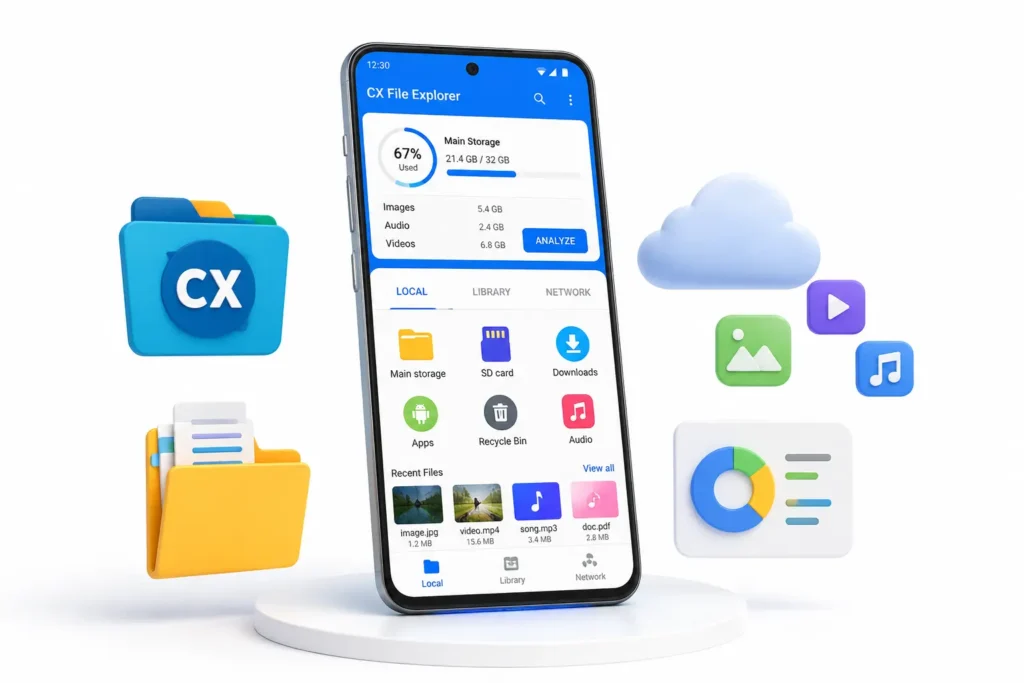
Managing files on an Android device can become difficult when storage fills up and folders become disorganized. Finding important documents, photos, or downloaded files often takes more time than it should.
CX File Explorer helps solve these problems with a simple interface and powerful file management tools. In this guide, you’ll discover the most useful CX File Explorer features and learn how they can help you organize, transfer, and manage files more efficiently.
Looking for answers to common questions? Visit our CX File Explorer FAQ page.
What is CX File Explorer?
CX File Explorer is a free file management application for Android devices. It allows users to browse files, organize folders, access cloud storage accounts, transfer files over a network, and analyze storage usage from a single dashboard.
Unlike many file manager apps that feel cluttered, CX File Explorer focuses on simplicity while still offering advanced features for users who need more control over their files.
Easy File Management
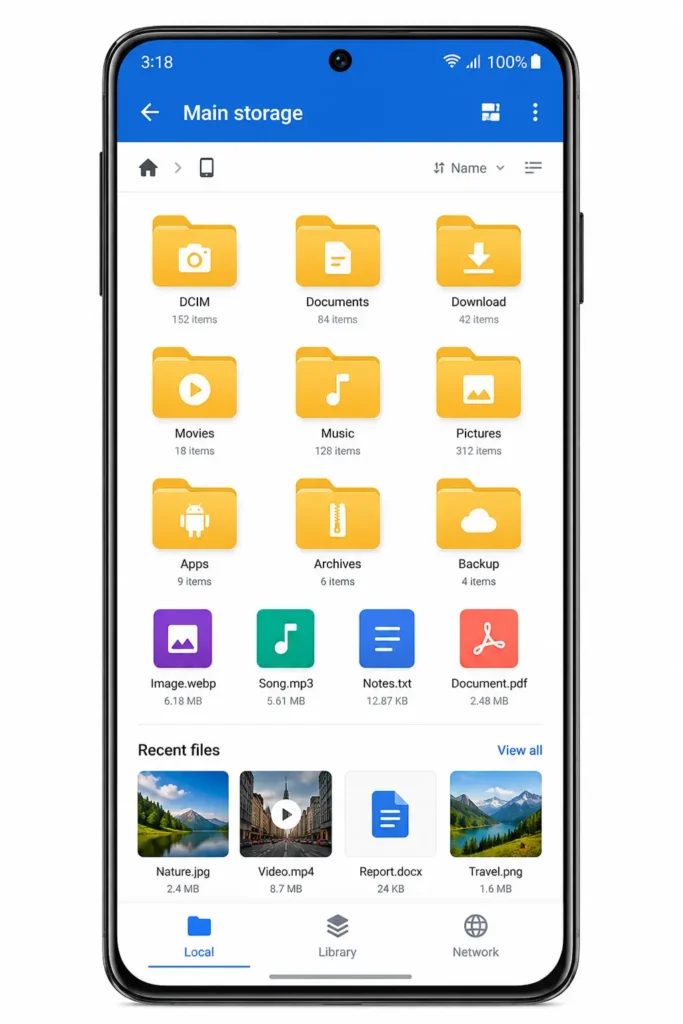
The primary purpose of CX File Explorer is file management.
With just a few taps, users can:
- Create folders
- Rename files
- Move documents
- Copy photos and videos
- Delete unnecessary files
- Organize downloaded content
The app provides a familiar folder structure that makes navigation easy even for first-time users.
Why It Matters
A well-organized device helps users find important files quickly and keeps storage clean and manageable.
Visual Storage Analysis
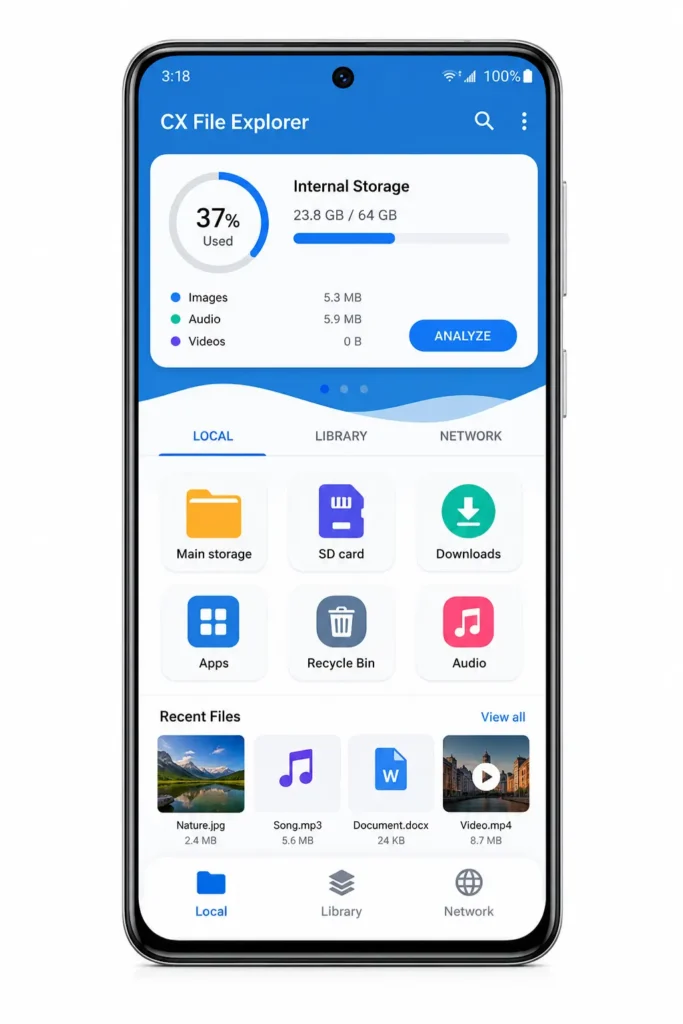
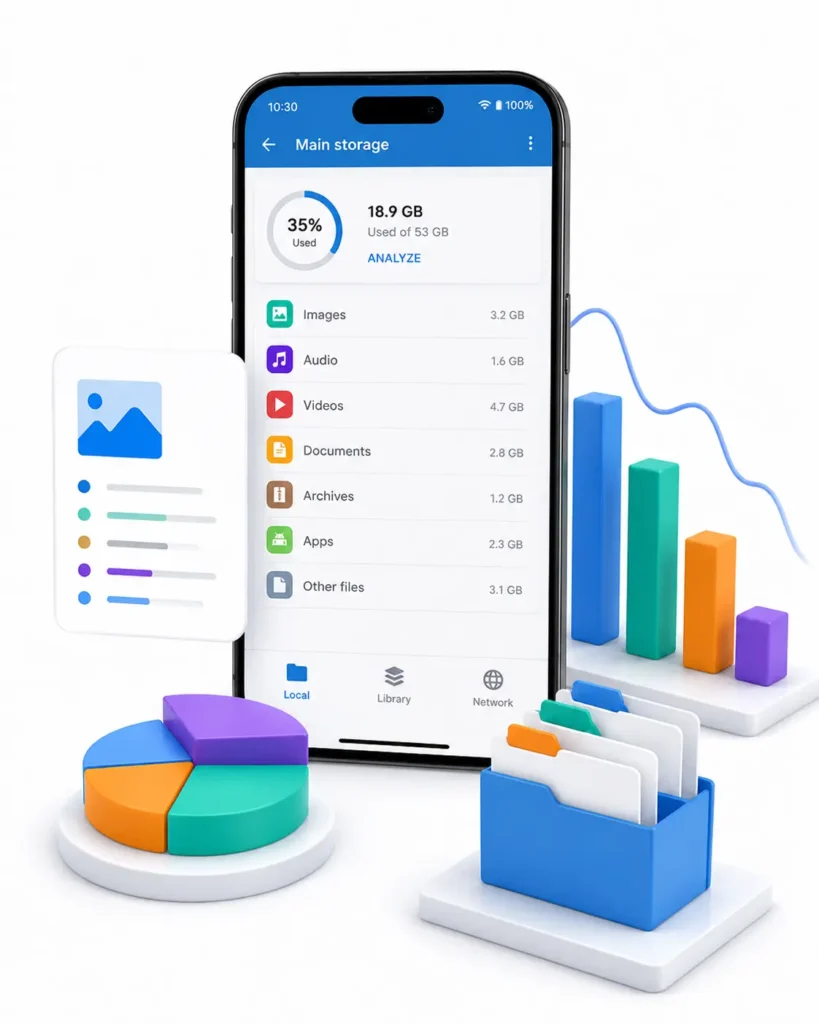
One of the most useful CX File Explorer features is the built-in Storage Analysis tool.
Instead of manually searching through folders, the app provides a visual overview of how storage space is being used.
You can quickly identify:
- Large files
- Unused folders
- Duplicate content
- Space-consuming media files
Why It Matters
If your phone frequently runs out of storage, this feature helps you discover what is taking up space so you can free storage more effectively.
Cloud Storage Integration
Modern users often store files online instead of keeping everything on their devices.
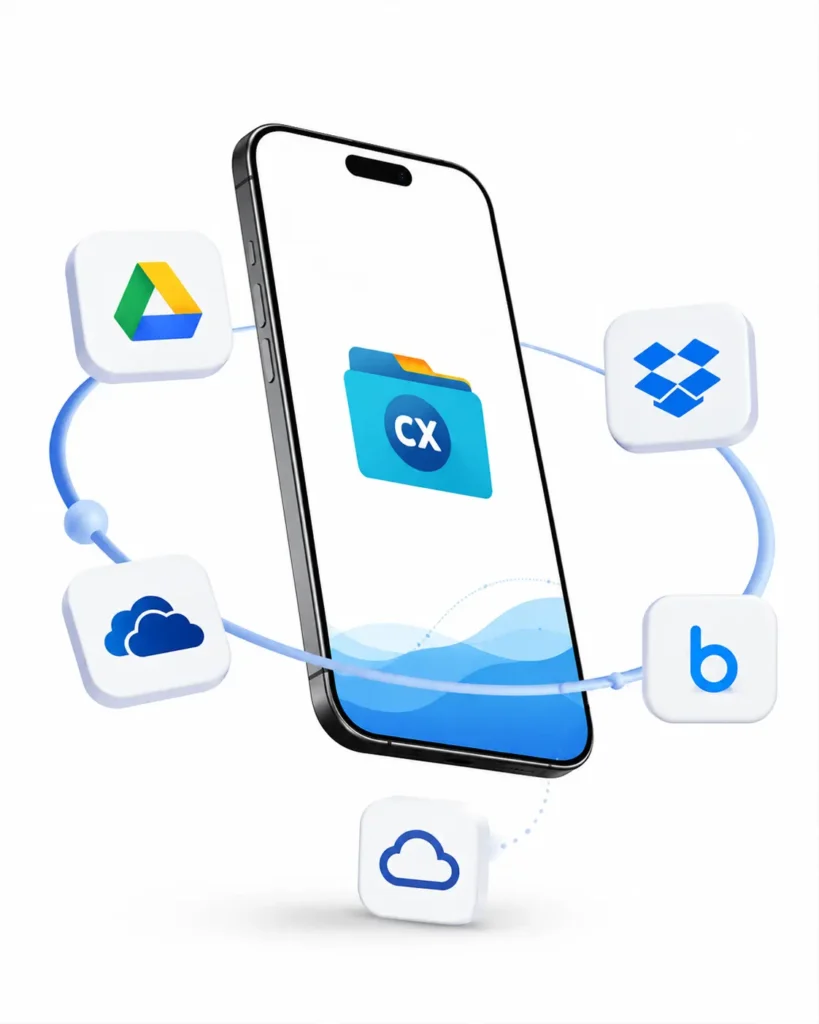
CX File Explorer supports popular cloud storage services such as:
- Google Drive
- Dropbox
- OneDrive
- Box
This allows users to access cloud files directly within the app without switching between multiple applications.
Why It Matters
Managing local files and cloud files from one place saves time and improves productivity.
Network File Transfer
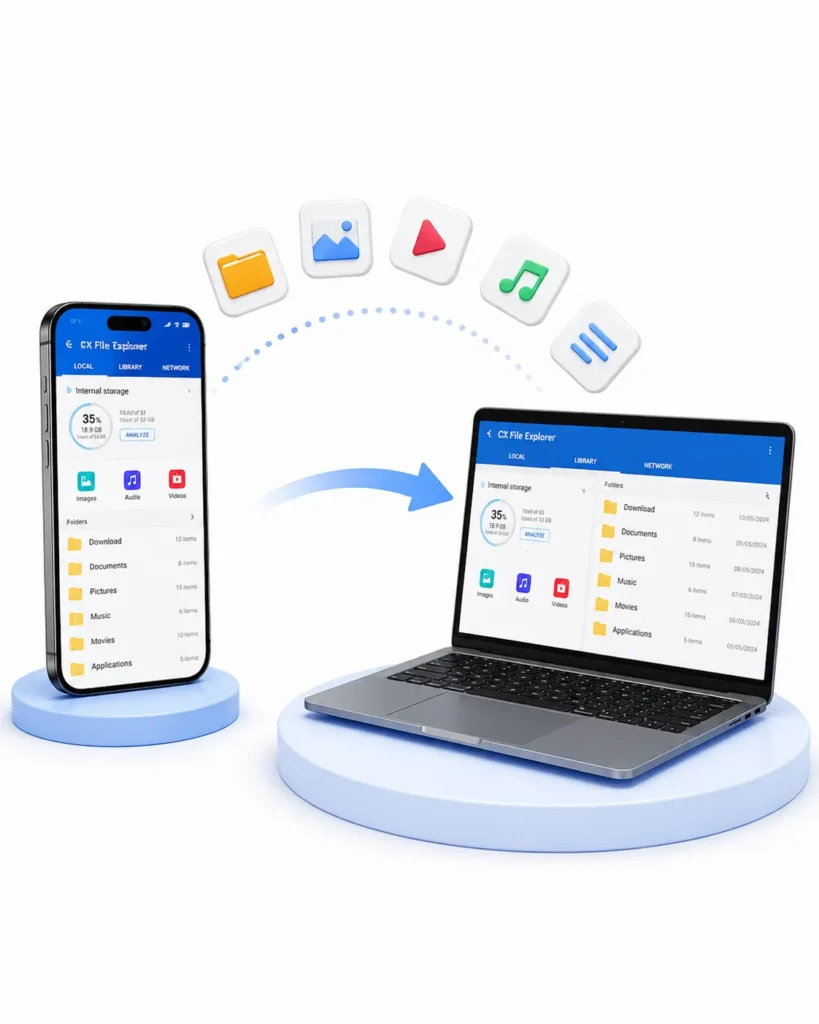
CX File Explorer includes powerful network management tools.
Users can transfer files between:
- Android devices
- PCs and laptops
- Shared network folders
- FTP servers
This feature is particularly useful when moving large files without using USB cables.
Why It Matters
Wireless file transfer is often faster and more convenient than connecting devices physically.
ZIP and Archive Management
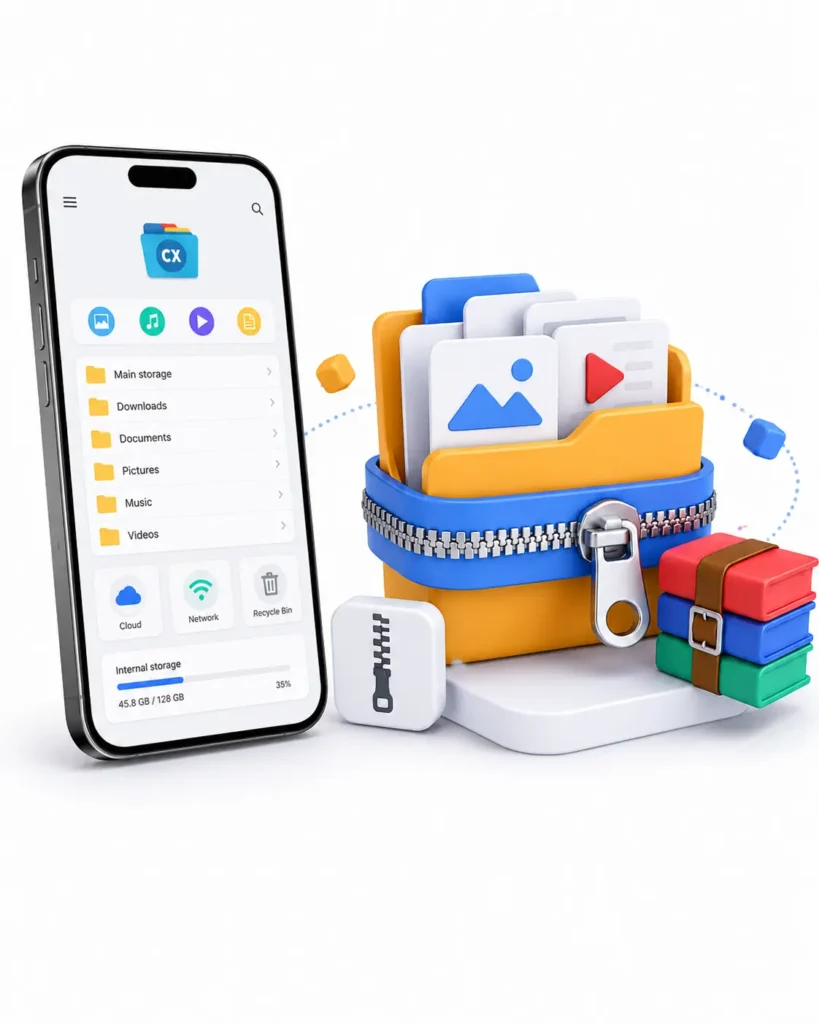
The application supports archive files, making it easier to work with compressed data.
Users can:
- Extract ZIP files
- Open compressed folders
- Create ZIP archives
- Manage downloaded archive files
Recent versions also introduced support for additional archive formats and extraction improvements.
Why It Matters
You can manage compressed files without installing separate archive applications.
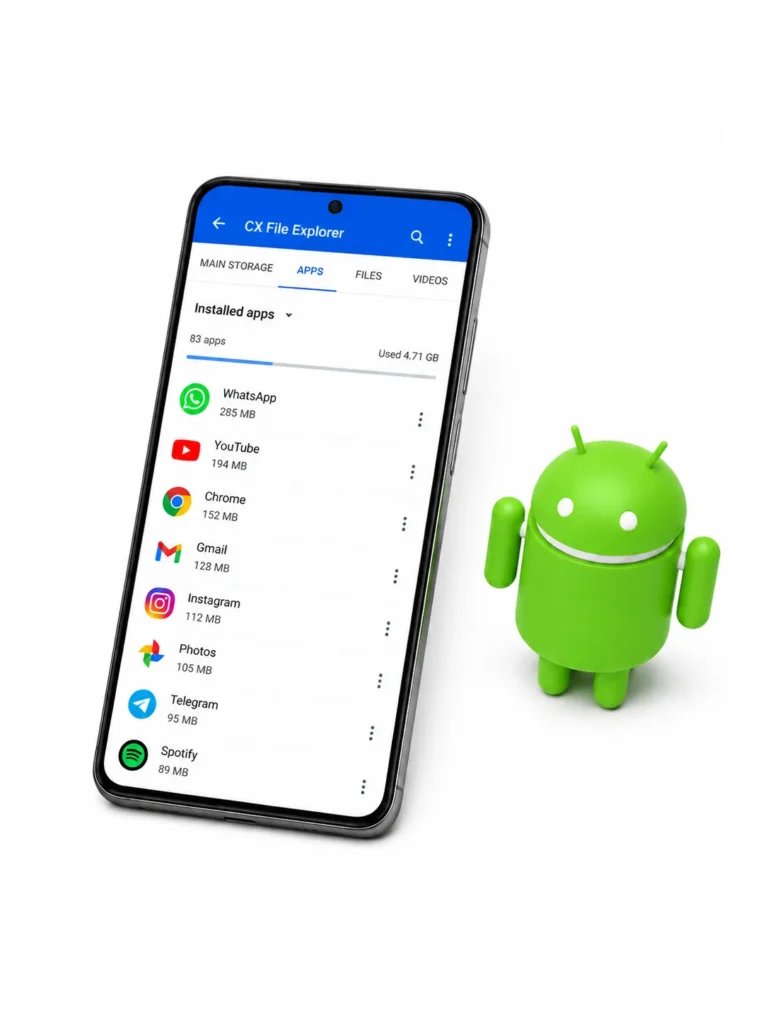
App Management Features
CX File Explorer is not limited to file management.
It also helps users manage installed applications.
You can:
- View installed apps
- Check application details
- Backup APK files
- Remove unwanted apps
This makes the application useful for users who regularly install and test Android apps.
Android/Data Folder Access
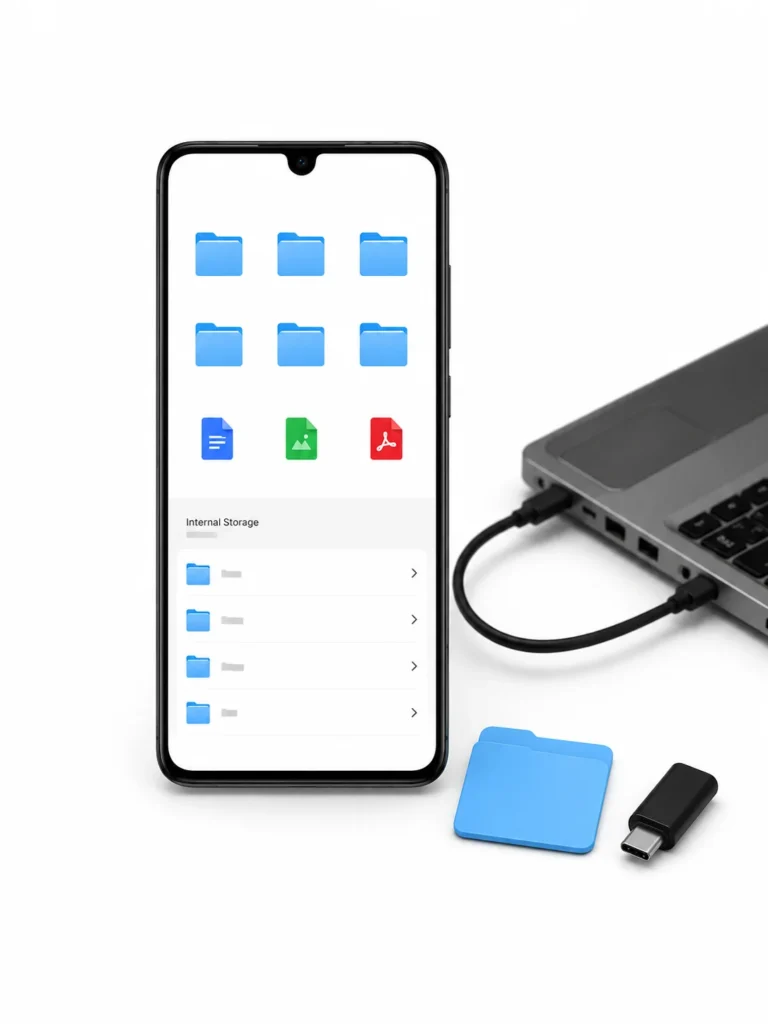
Many Android users struggle to access the Android/Data folder because of system restrictions introduced in newer Android versions.
CX File Explorer provides methods that help users access restricted folders on supported devices.
In some cases, tools such as Shizuku may be required to unlock access depending on the Android version.
Why It Matters
Advanced users often need access to application data folders for backups, file management, and troubleshooting.
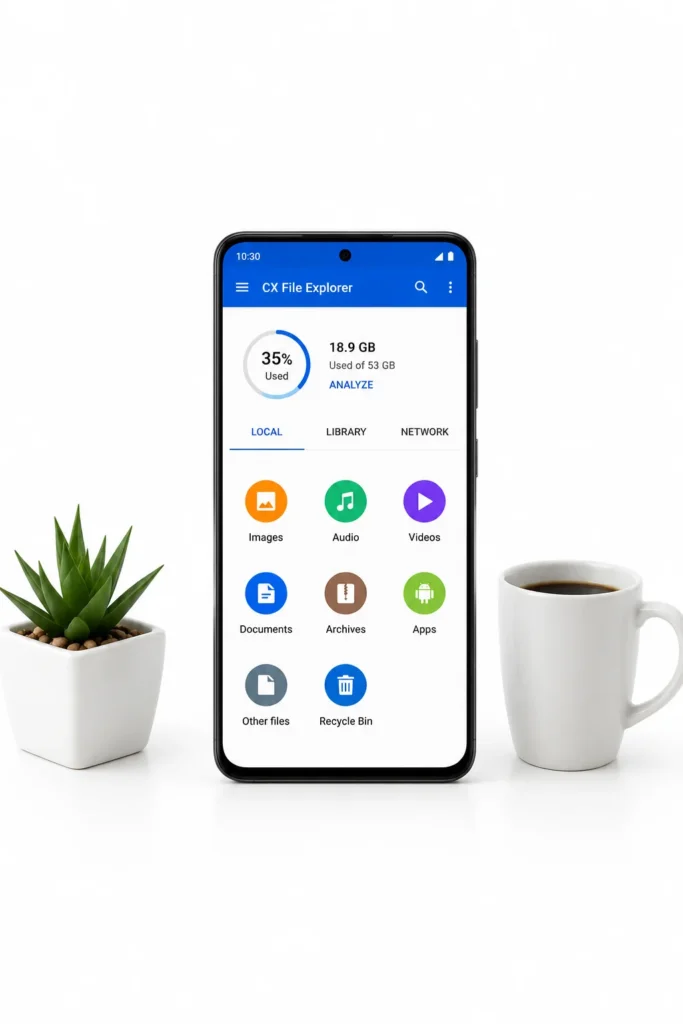
Clean and User-Friendly Interface
One reason CX File Explorer has gained popularity among Android users is its simple interface.
The app avoids unnecessary clutter and focuses on usability.
Benefits include:
- Fast navigation
- Clean design
- Easy learning curve
- Smooth performance
Even users with little technical knowledge can use the application comfortably.
Multiple Storage Support
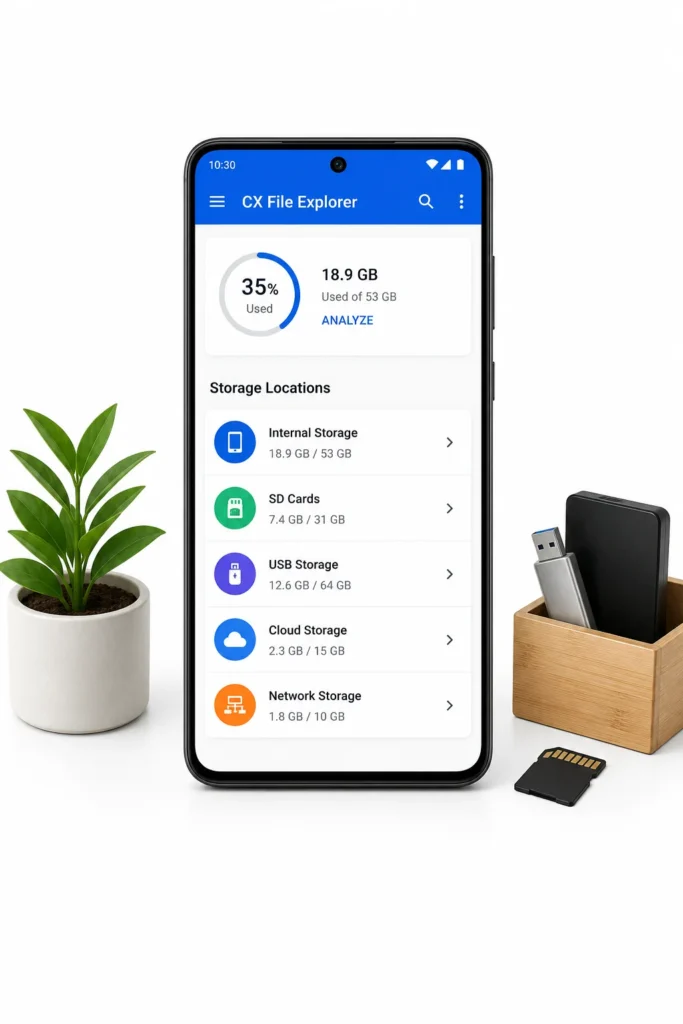
CX File Explorer allows users to manage multiple storage locations from a single interface.
Supported locations include:
- Internal Storage
- SD Cards
- USB Storage
- Cloud Storage
- Network Storage
This flexibility makes the app suitable for both casual and advanced users.
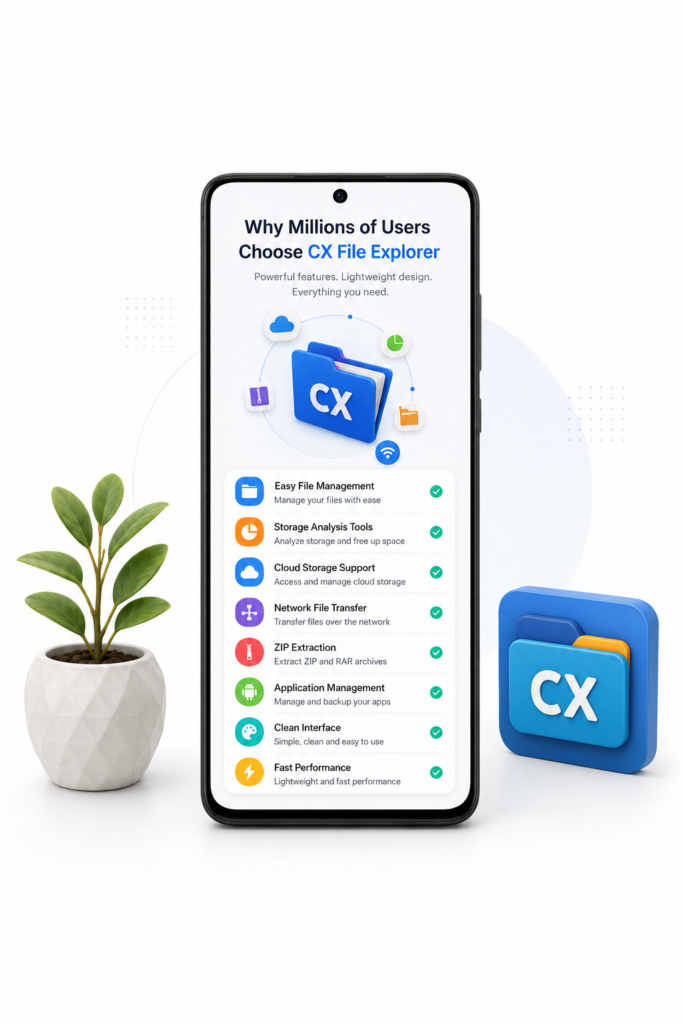
Why Millions of Users Choose CX File Explorer
CX File Explorer has been downloaded by millions of Android users because it combines powerful features with a lightweight design.
Key benefits include:
✔ Easy file management
✔ Storage analysis tools
✔ Cloud storage support
✔ Network file transfer
✔ ZIP extraction
✔ Application management
✔ Clean interface
✔ Fast performance
The app provides practical tools without overwhelming users with unnecessary complexity.
Is CX File Explorer Safe to Use?
CX File Explorer is widely used by Android users worldwide and offers standard file management functions such as storage organization, cloud integration, and file transfer.
Users should always download applications from trusted sources and keep them updated to the latest available version for the best experience.
Need an older release for your device? Check our CX File Explorer Old Versions page
Final Thoughts
CX File Explorer is more than just a simple file manager. It combines file organization, storage analysis, cloud integration, network file transfer, and archive management into one easy-to-use application.
Whether you want to clean storage space, organize files, access cloud accounts, or transfer data between devices, CX File Explorer provides the tools needed to get the job done efficiently.
For Android users looking for a reliable file manager, CX File Explorer remains one of the most practical and user-friendly options available today.
To download the latest version, return to the CX File Explorer APK Download page.
Frequently Asked Questions
What is CX File Explorer used for?
CX File Explorer is used to manage files, organize storage, transfer data, access cloud storage, and analyze device storage.
Does CX File Explorer support cloud storage?
Yes. The app supports Google Drive, Dropbox, OneDrive, and other cloud storage services.
Can CX File Explorer extract ZIP files?
Yes. Users can open, manage, and extract ZIP archives directly within the application.
Is CX File Explorer free?
Yes. CX File Explorer is available free of charge for Android users.
Does CX File Explorer work on Android 5.0 and above?
Yes. Current versions support Android 5.0 and newer devices.